
Interactive Matcha Product Switcher Card
A premium interactive product card with four matcha variations, smooth image switching, dynamic delivery date and embossed ingredient controls.
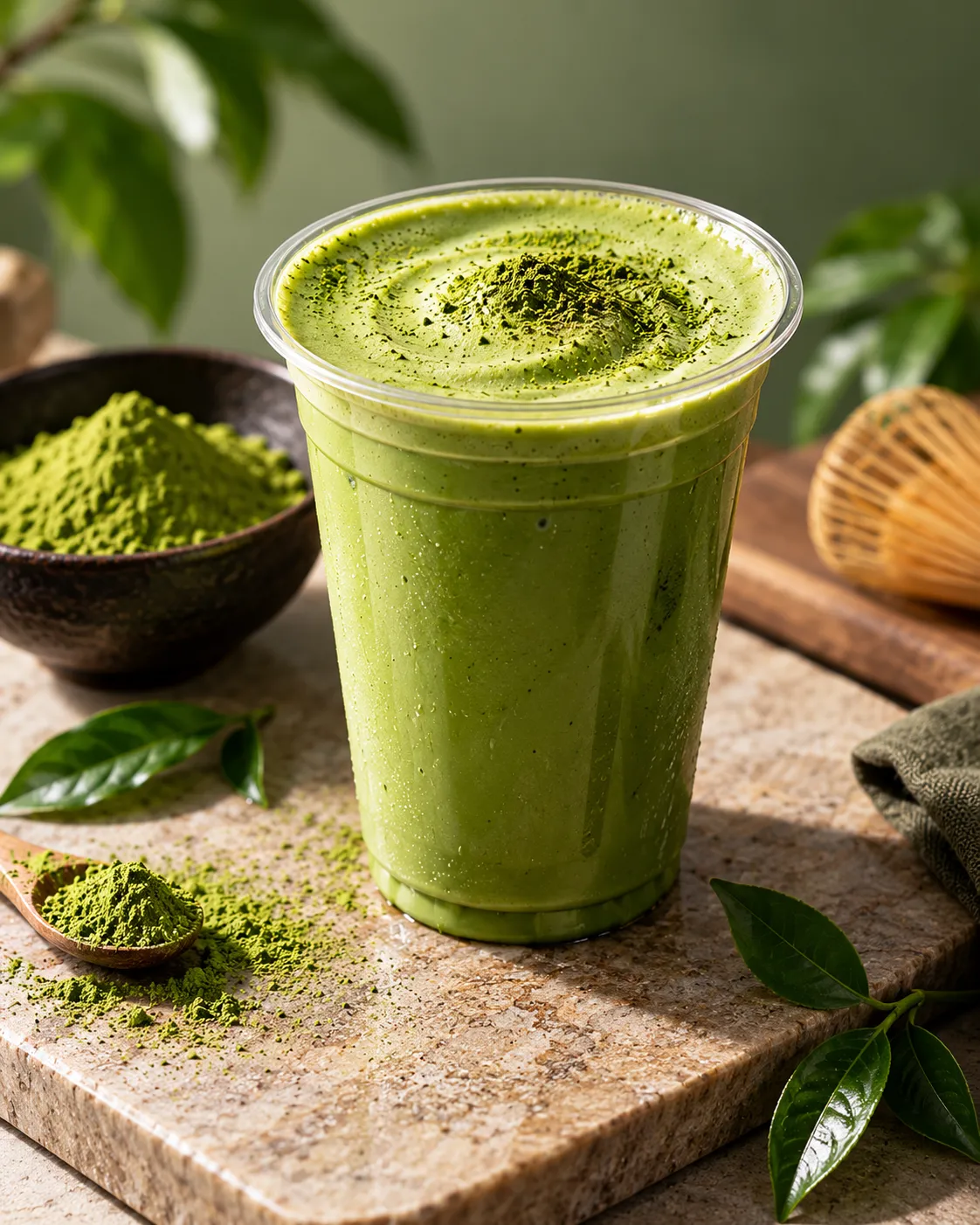
ICE MATCHA
<div class="matcha-stage">

  <div class="matcha-card" id="matchaCard">

    <div class="matcha-media">

      <img
        id="matchaProductImage"
        class="matcha-image"
        src="https://getcoderipple.com/wp-content/uploads/2026/09/Matcha.webp"
        alt="Fresh pure matcha drink with matcha powder and tea leaves"
      >

      <div class="matcha-price">
        $5.99
      </div>

      <div class="matcha-delivery">
        Free Delivery Until
        <strong id="matchaDeliveryDate"></strong>
      </div>

    </div>


    <div class="matcha-info">

      <div class="matcha-title-row">

        <div>

          <span class="matcha-kicker">
            PURE MATCHA • GOOD MOOD
          </span>

          <h2 id="matchaTitle">
            ICE MATCHA
          </h2>

        </div>


        <a
          href="#"
          class="matcha-order"
          id="matchaOrder"
        >
          Order Now
          <span>↗</span>
        </a>

      </div>


      <div class="matcha-options">

        <button
          class="matcha-option active"
          type="button"
          data-image="https://getcoderipple.com/wp-content/uploads/2026/09/Matcha.webp"
          data-alt="Fresh pure matcha drink with matcha powder and tea leaves"
          data-title="ICE MATCHA"
        >
          <span class="matcha-dot matcha-dot-green"></span>
          Matcha
        </button>


        <button
          class="matcha-option"
          type="button"
          data-image="https://getcoderipple.com/wp-content/uploads/2026/09/Ice-Cube.webp"
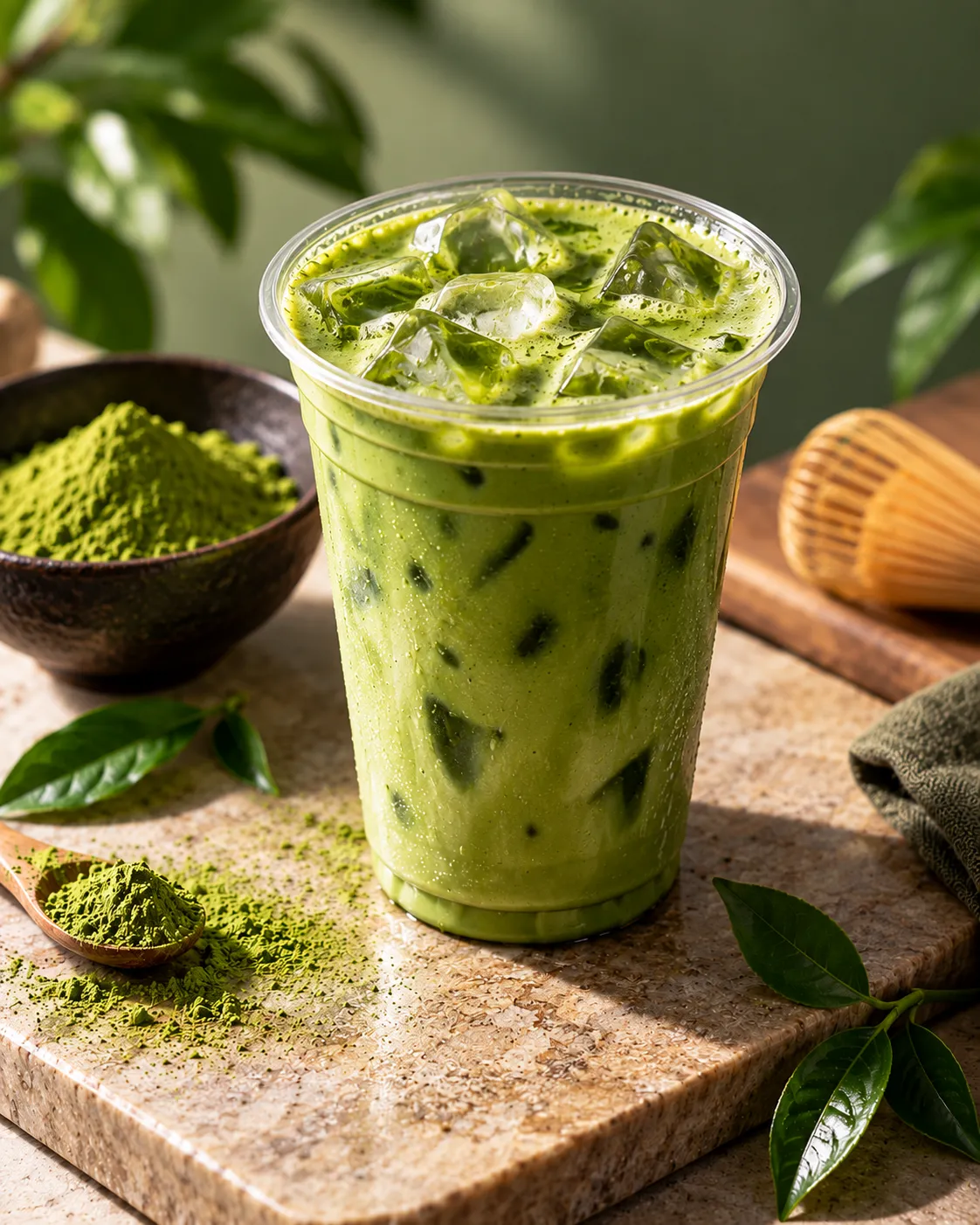
          data-alt="Fresh matcha drink with clear ice cubes"
          data-title="ICED MATCHA"
        >
          <span class="matcha-dot matcha-dot-cyan"></span>
          Ice Cube
        </button>


        <button
          class="matcha-option"
          type="button"
          data-image="https://getcoderipple.com/wp-content/uploads/2026/09/Honey.webp"
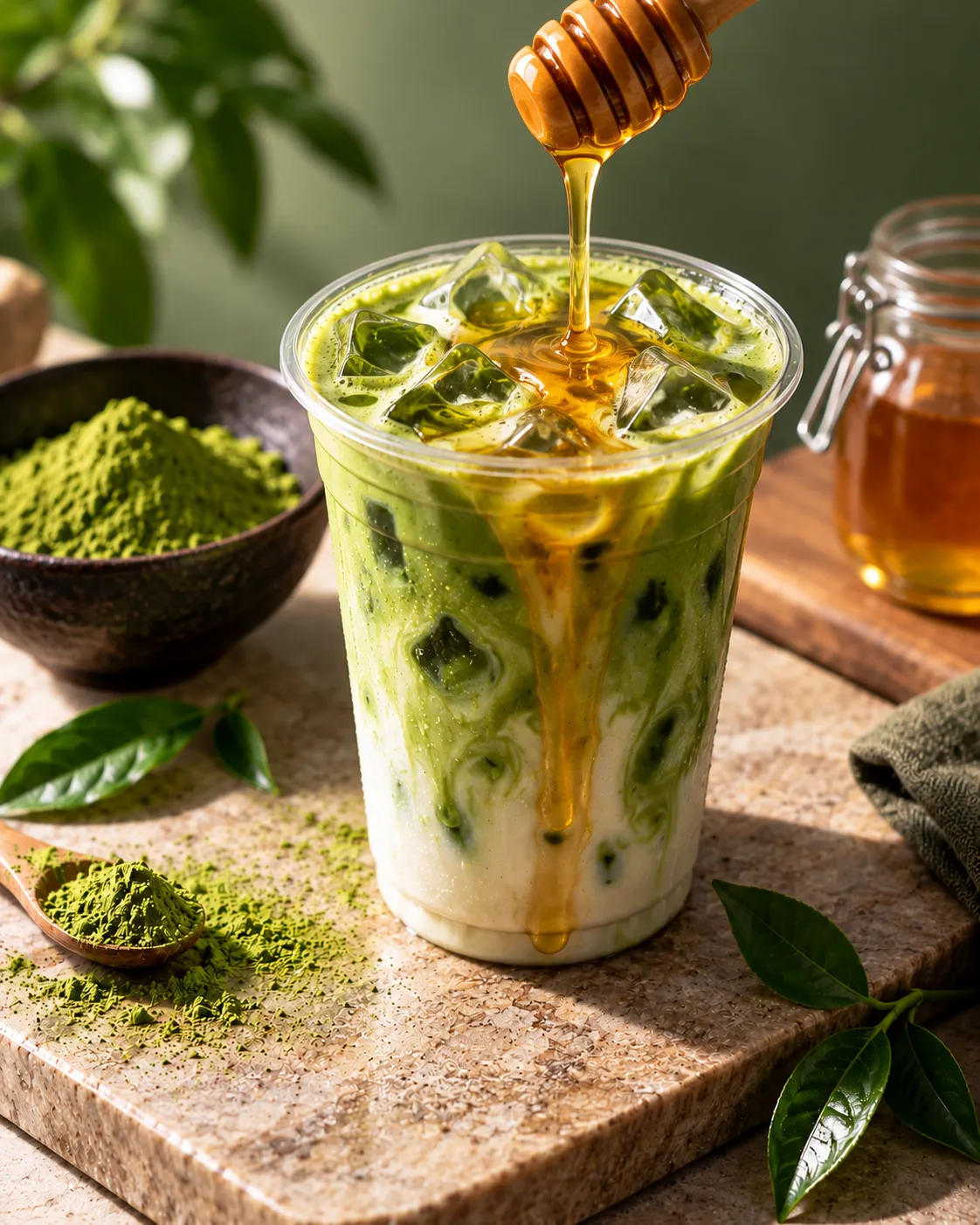
          data-alt="Iced matcha drink with golden honey being poured"
          data-title="HONEY MATCHA"
        >
          <span class="matcha-dot matcha-dot-purple"></span>
          Honey
        </button>


        <button
          class="matcha-option"
          type="button"
          data-image="https://getcoderipple.com/wp-content/uploads/2026/09/Milk.webp"
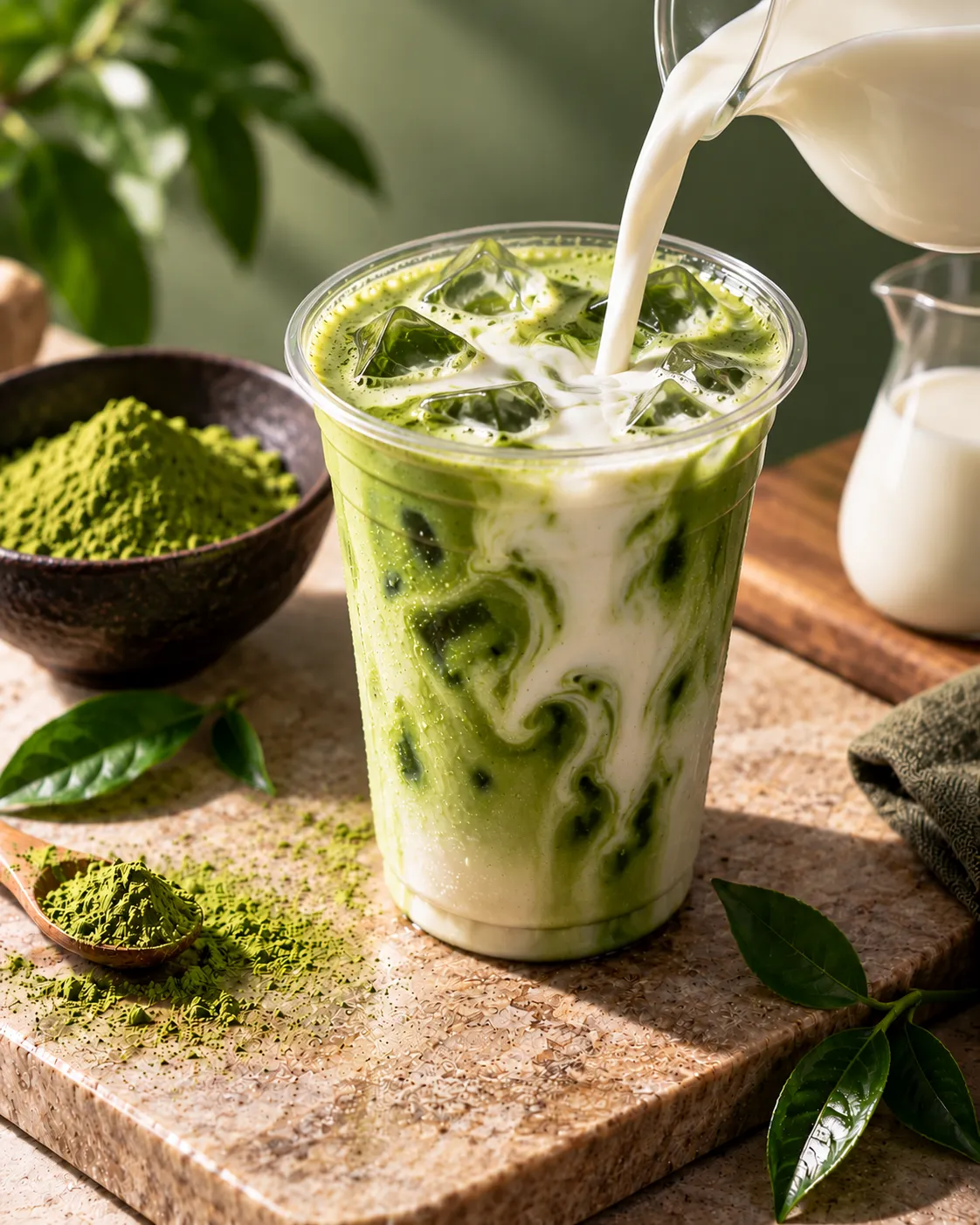
          data-alt="Iced matcha drink with fresh milk being poured"
          data-title="MILK MATCHA"
        >
          <span class="matcha-dot matcha-dot-cream"></span>
          Milk
        </button>

      </div>

    </div>


    <div class="matcha-preload" aria-hidden="true">

      <img
        src="https://getcoderipple.com/wp-content/uploads/2026/09/Ice-Cube.webp"
        alt=""
      >

      <img
        src="https://getcoderipple.com/wp-content/uploads/2026/09/Honey.webp"
        alt=""
      >

      <img
        src="https://getcoderipple.com/wp-content/uploads/2026/09/Milk.webp"
        alt=""
      >

    </div>

  </div>

</div>.matcha-stage{
width:100%;
min-height:760px;
display:flex;
align-items:center;
justify-content:center;
padding:70px 24px;
background:#070d19;
font-family:Inter,Arial,sans-serif;
}
.matcha-card{
width:430px;
padding:14px 14px 24px;
background:linear-gradient(145deg,#0b1423,#080f1c);
border:1px solid #1c2a40;
border-radius:28px;
box-shadow:
0 28px 60px rgba(0,0,0,.45),
0 0 35px rgba(34,211,238,.06);
transition:
transform .35s ease,
box-shadow .35s ease;
}
.matcha-card:hover{
transform:translateY(-5px);
box-shadow:
0 34px 75px rgba(0,0,0,.55),
0 0 40px rgba(168,85,247,.08);
}
.matcha-media{
position:relative;
overflow:hidden;
border-radius:20px 20px 36px 36px;
background:#0b1423;
}
.matcha-image{
width:100%;
height:430px;
display:block;
object-fit:cover;
transition:
opacity .28s ease,
transform .5s ease;
}
.matcha-card:hover .matcha-image{
transform:scale(1.025);
}
.matcha-price{
position:absolute;
top:0;
right:0;
z-index:3;
min-width:112px;
padding:17px 20px 18px;
background:#09111e;
color:#ffffff;
font-size:25px;
font-weight:800;
line-height:1;
text-align:center;
border-radius:0 0 0 30px;
border-left:1px solid rgba(34,211,238,.18);
border-bottom:1px solid rgba(34,211,238,.18);
box-shadow:-8px 8px 22px rgba(0,0,0,.25);
}
.matcha-delivery{
position:absolute;
left:0;
right:0;
bottom:0;
z-index:3;
min-height:42px;
display:flex;
align-items:center;
justify-content:center;
gap:5px;
padding:10px 14px;
background:rgba(7,13,25,.9);
color:#d7e2f3;
border-top:1px solid rgba(34,211,238,.22);
font-size:13px;
font-weight:500;
backdrop-filter:blur(8px);
}
.matcha-delivery strong{
color:#22d3ee;
font-weight:800;
}
.matcha-info{
padding:23px 10px 0;
}
.matcha-title-row{
display:flex;
align-items:flex-end;
justify-content:space-between;
gap:18px;
}
.matcha-kicker{
display:inline-block;
margin-bottom:7px;
color:#22d3ee;
font-size:9px;
font-weight:800;
letter-spacing:1.5px;
}
.matcha-title-row h2{
margin:0;
color:#ffffff;
font-size:29px;
font-weight:900;
line-height:1;
letter-spacing:-1px;
}
.matcha-order{
flex-shrink:0;
display:inline-flex;
align-items:center;
justify-content:center;
gap:7px;
min-height:39px;
padding:0 16px;
border:1px solid rgba(34,211,238,.4);
border-radius:999px;
background:linear-gradient(
135deg,
rgba(34,211,238,.13),
rgba(168,85,247,.13)
);
color:#ffffff;
font-size:13px;
font-weight:700;
text-decoration:none;
box-shadow:
inset 0 1px 0 rgba(255,255,255,.08),
0 8px 18px rgba(0,0,0,.2);
transition:
transform .25s ease,
border-color .25s ease,
box-shadow .25s ease;
}
.matcha-order span{
display:inline-block;
font-size:17px;
transition:transform .25s ease;
}
.matcha-order:hover{
color:#ffffff;
transform:translateY(-2px);
border-color:#22d3ee;
box-shadow:
inset 0 1px 0 rgba(255,255,255,.12),
0 0 20px rgba(34,211,238,.15);
}
.matcha-order:hover span{
transform:translate(3px,-3px);
}
.matcha-options{
display:grid;
grid-template-columns:repeat(4,1fr);
gap:9px;
margin-top:22px;
}
.matcha-option{
min-height:40px;
display:flex;
align-items:center;
justify-content:center;
gap:6px;
padding:0 9px;
border:1px solid #1e3048;
border-radius:999px;
background:#0d1726;
color:#aab4c8;
font-family:inherit;
font-size:12px;
font-weight:600;
cursor:pointer;
box-shadow:
inset 3px 3px 7px rgba(0,0,0,.7),
inset -2px -2px 6px rgba(255,255,255,.035);
transition:
color .25s ease,
border-color .25s ease,
transform .25s ease,
box-shadow .25s ease;
}
.matcha-option:hover{
color:#ffffff;
transform:translateY(-2px);
border-color:#314763;
}
.matcha-option.active{
color:#ffffff;
border-color:rgba(34,211,238,.55);
background:linear-gradient(
135deg,
rgba(34,211,238,.14),
rgba(168,85,247,.14)
);
box-shadow:
inset 4px 4px 9px rgba(0,0,0,.72),
inset -3px -3px 8px rgba(34,211,238,.08),
0 0 16px rgba(34,211,238,.1);
}
.matcha-dot{
width:7px;
height:7px;
display:inline-block;
flex-shrink:0;
border-radius:50%;
}
.matcha-dot-green{
background:#7bbf55;
}
.matcha-dot-cyan{
background:#22d3ee;
}
.matcha-dot-purple{
background:#a855f7;
}
.matcha-dot-cream{
background:#f1e8d3;
}
.matcha-option.active .matcha-dot{
box-shadow:0 0 7px currentColor;
}
.matcha-preload{
position:absolute;
width:0;
height:0;
overflow:hidden;
opacity:0;
pointer-events:none;
}
.matcha-preload img{
width:1px;
height:1px;
}
.matcha-image.is-changing{
opacity:.18;
transform:scale(.985);
}
@media(max-width:520px){
.matcha-stage{
min-height:700px;
padding:35px 14px;
}
.matcha-card{
width:100%;
max-width:420px;
}
.matcha-image{
height:390px;
}
.matcha-title-row{
align-items:center;
}
.matcha-title-row h2{
font-size:24px;
}
.matcha-order{
min-height:36px;
padding:0 12px;
font-size:12px;
}
.matcha-options{
grid-template-columns:repeat(2,1fr);
}
}document.addEventListener(
'DOMContentLoaded',
function() {
var productImage =
document.getElementById('matchaProductImage');
var productTitle =
document.getElementById('matchaTitle');
var deliveryDate =
document.getElementById('matchaDeliveryDate');
var optionButtons =
document.querySelectorAll('.matcha-option');
var orderButton =
document.getElementById('matchaOrder');
if (deliveryDate) {
var today =
new Date();
var day =
String(today.getDate()).padStart(2, '0');
var month =
String(today.getMonth() + 1).padStart(2, '0');
var year =
today.getFullYear();
deliveryDate.textContent =
day + '-' + month + '-' + year;
}
optionButtons.forEach(
function(button) {
button.addEventListener(
'click',
function() {
var newImage =
button.getAttribute('data-image');
var newAlt =
button.getAttribute('data-alt');
var newTitle =
button.getAttribute('data-title');
optionButtons.forEach(
function(item) {
item.classList.remove('active');
}
);
button.classList.add('active');
if (productImage) {
productImage.classList.add(
'is-changing'
);
setTimeout(
function() {
productImage.src =
newImage;
productImage.alt =
newAlt;
productImage.classList.remove(
'is-changing'
);
},
220
);
}
if (productTitle) {
productTitle.textContent =
newTitle;
}
}
);
}
);
if (orderButton) {
orderButton.addEventListener(
'click',
function(e) {
e.preventDefault();
}
);
}
}
);How This Interactive Matcha Product Switcher Card Works
The Interactive Matcha Product Switcher Card combines a product image, price, delivery information, product title, order button, and four selectable matcha variations inside a single dark-themed card. The main .matcha-card is 430px wide on larger screens, uses a 28px border radius, and has a dark linear-gradient background with subtle cyan-tinted borders and shadows.
The upper .matcha-media section contains the product image along with two overlays. The $5.99 price sits in the top-right corner using absolute positioning, while the delivery message stretches across the bottom of the image. Its background uses rgba(7,13,25,.9) with backdrop-filter: blur(8px), helping the text remain readable over the photo.
The main product image is displayed at 430px high with object-fit: cover. Hovering over the card scales the image to 1.025 and moves the entire card upward by 5px. Both effects use CSS transitions rather than JavaScript. For more information about this technique, see the MDN CSS transitions documentation.
Below the image, the information area contains the “PURE MATCHA • GOOD MOOD” kicker, the current product title, and an Order Now control. The order control has a pill-shaped 999px border radius and a cyan-to-purple translucent gradient. Its arrow moves 3px right and 3px upward on hover. The current JavaScript prevents the link’s default action, so the Order Now control does not navigate anywhere.
The actual product switching is handled by four .matcha-option buttons: Matcha, Ice Cube, Honey, and Milk. Each button stores its corresponding image URL, alternative text, and title in data-image, data-alt, and data-title attributes. This keeps the variation-specific information directly associated with each control.
After DOMContentLoaded, JavaScript finds the product image, title, delivery date, option buttons, and order control. Clicking an option removes the active class from every option before applying it to the selected button. The script then reads that button’s data attributes and updates the displayed product.
The image change includes a short transition. JavaScript first adds .is-changing, which lowers the image opacity to .18 and scales it to .985. After a 220ms setTimeout, the script replaces the src and alt values and removes the class. The HTML also preloads the Ice Cube, Honey, and Milk images in a hidden .matcha-preload container.
The delivery date is generated automatically from the visitor’s current date. new Date() supplies the date, while padStart(2, '0') keeps the day and month two digits long. The final value is displayed in DD-MM-YYYY format.
On screens up to 520px wide, the card becomes fluid with a maximum width of 420px, the image height drops to 390px, and the four-option grid changes from four columns to two.
Customizing This Interactive Matcha Product Switcher Card
Most of the component’s appearance and product variations can be adjusted directly through its existing HTML and CSS values.
- Change the
$5.99text to display a different product price. - Replace each button’s
data-image,data-alt, anddata-titlevalues to create different product variations. - Adjust
#070d19,#0b1423, and related dark colors to change the overall card theme. - Change the cyan
#22d3eeand purple#a855f7accents used for borders, gradients, text, and active states. - Modify the 430px card width or 430px product image height to change the component’s proportions.
- Adjust the
.35s,.5s,.28s, and.25stransition timings for faster or slower visual feedback. - Change the 520px media-query breakpoint or the two-column mobile option grid to suit a different responsive layout.
Where to Use This Interactive Matcha Product Switcher Card
This card works best when several closely related product choices need to be previewed without loading a separate page for every variation.
- Matcha, coffee, tea, smoothie, or other beverage menus.
- Product cards where customers choose between flavors or ingredients.
- Small ecommerce product showcases with visual variants.
- Restaurant or café landing pages featuring several versions of one drink.
- Promotional sections that need a compact interactive product preview.
- Portfolio demos showing JavaScript-driven product interfaces.
For another product-focused interaction, the Interactive Sneaker Product Reveal Card is a relevant CodeRipple component to explore. In this matcha card, the separation between data attributes, CSS states, and JavaScript event handling also makes it practical to adapt the switching pattern to other product types.
Frequently Asked Questions
Does the Interactive Matcha Product Switcher Card use JavaScript?
Yes. JavaScript handles the option-button clicks, active states, product image and title updates, dynamic image alt text, the current delivery date, and prevention of the Order Now link’s default navigation.
How does the product image change when an option is clicked?
The selected button supplies a new URL through its data-image attribute. The script adds the .is-changing class first, waits 220ms, updates the image src and alt, and then removes the transition class.
Are the alternative product images preloaded?
Yes. The Ice Cube, Honey, and Milk images appear inside the hidden .matcha-preload container. This allows the browser to request those assets before the visitor switches options.
Is the card responsive on mobile screens?
Yes. A max-width: 520px media query makes the card fluid, reduces the image and title sizes, adjusts the Order Now control, and changes the options from a four-column grid to two columns.
The Interactive Matcha Product Switcher Card provides a compact example of combining CSS hover states, responsive styling, HTML data attributes, and JavaScript DOM updates to switch between several product presentations without reloading the page.