
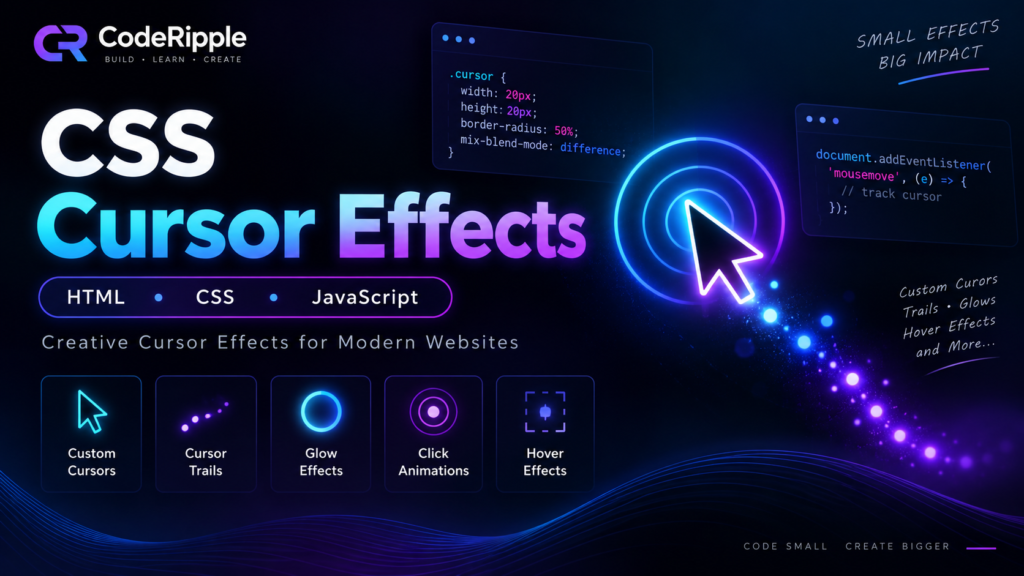
10+ Best CSS Cursor Effects with HTML, CSS & JavaScript
Learn how to create modern CSS cursor effects with HTML, CSS, and JavaScript, including custom cursors, trails, glows, hover effects, spotlights, and click animations.
Learn web development with practical HTML, CSS and JavaScript tutorials. Follow step-by-step guides to build interactive components, understand how they work and customize the code for your own web projects.
Learn how to create modern CSS cursor effects with HTML, CSS, and JavaScript, including custom cursors, trails, glows, hover effects, spotlights, and click animations.
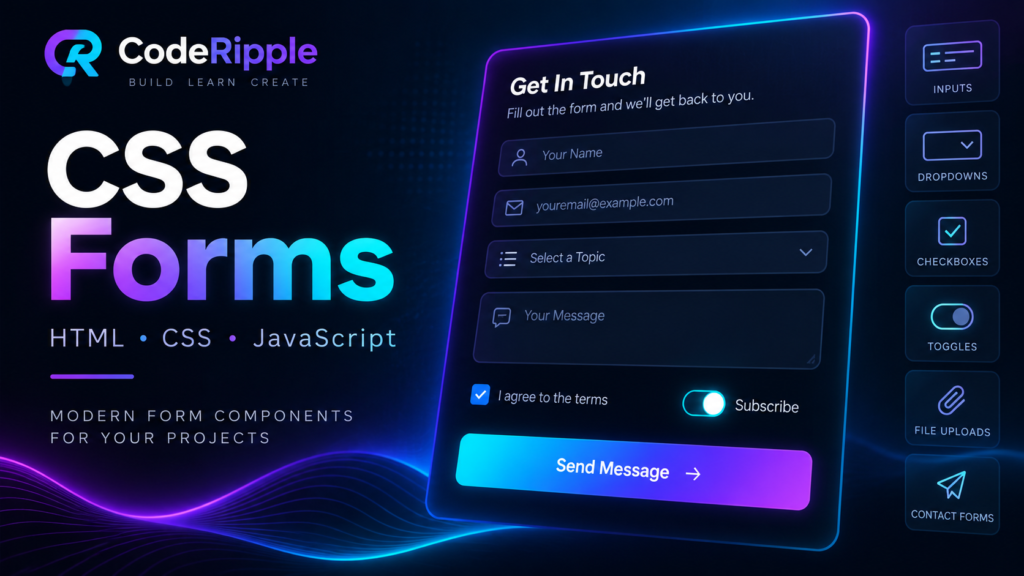
Learn how to create modern CSS forms with HTML, CSS, and JavaScript, including inputs, dropdowns, checkboxes, toggles, file uploads, and contact forms.
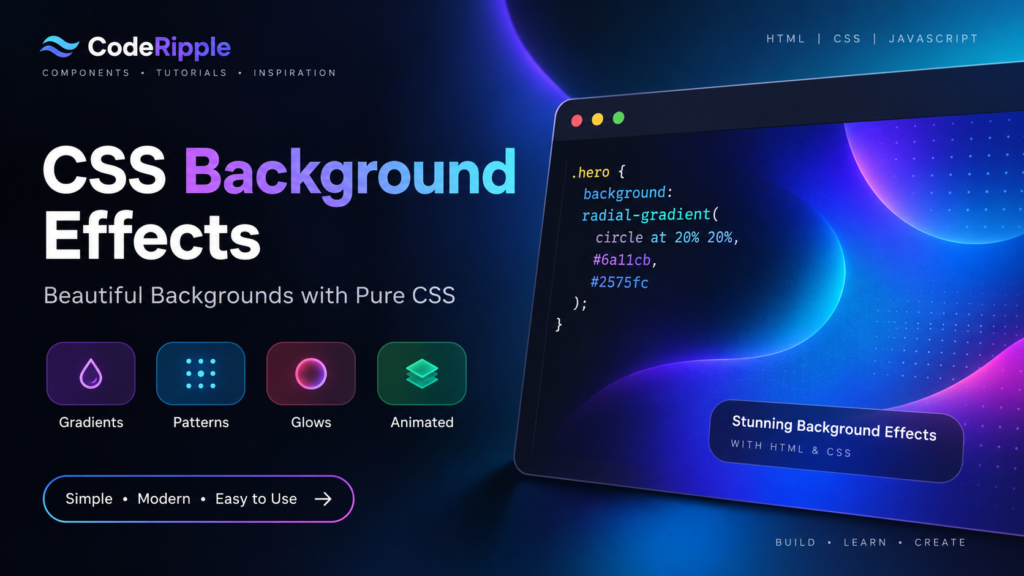
Learn how to create modern CSS background effects with simple HTML and CSS, including gradients, patterns, glows, textures, and animated backgrounds.
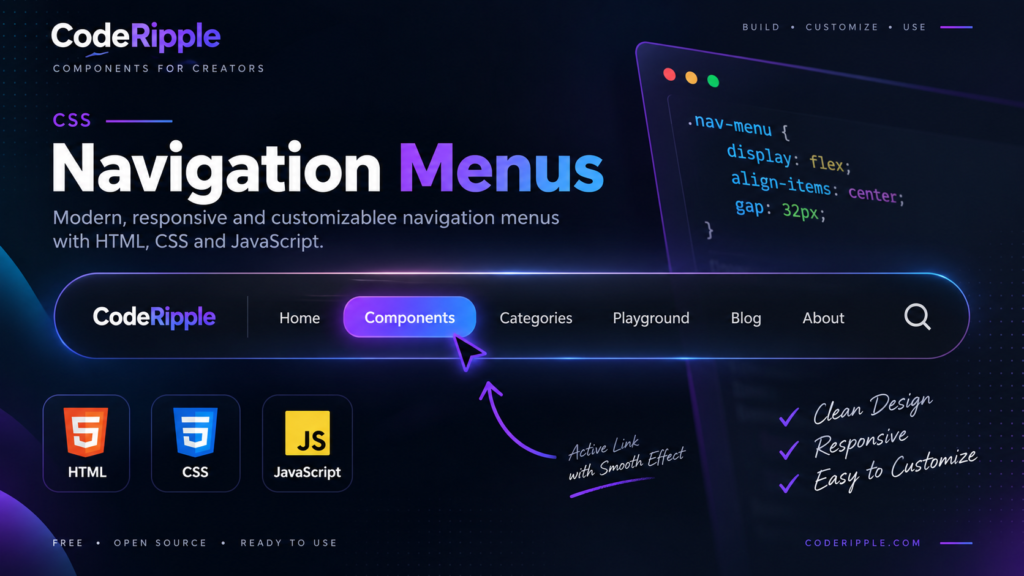
Learn how to create clean, responsive CSS navigation menus with HTML, CSS, and JavaScript, including active links, hover effects, dropdowns, and easy customization.
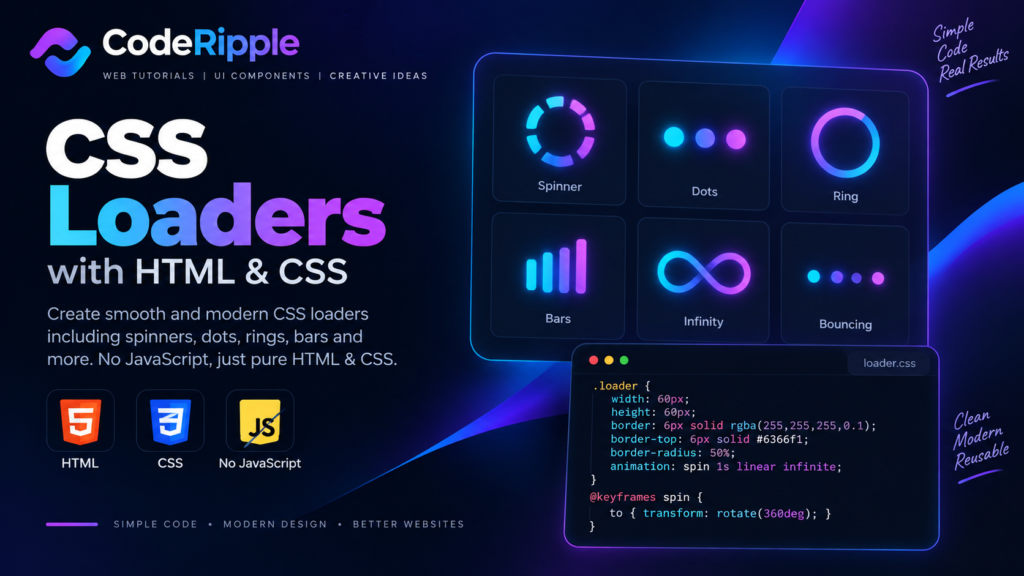
Learn how to create smooth CSS loaders with simple HTML and CSS, including spinners, dots, rings, bars, and other animated loading effects.
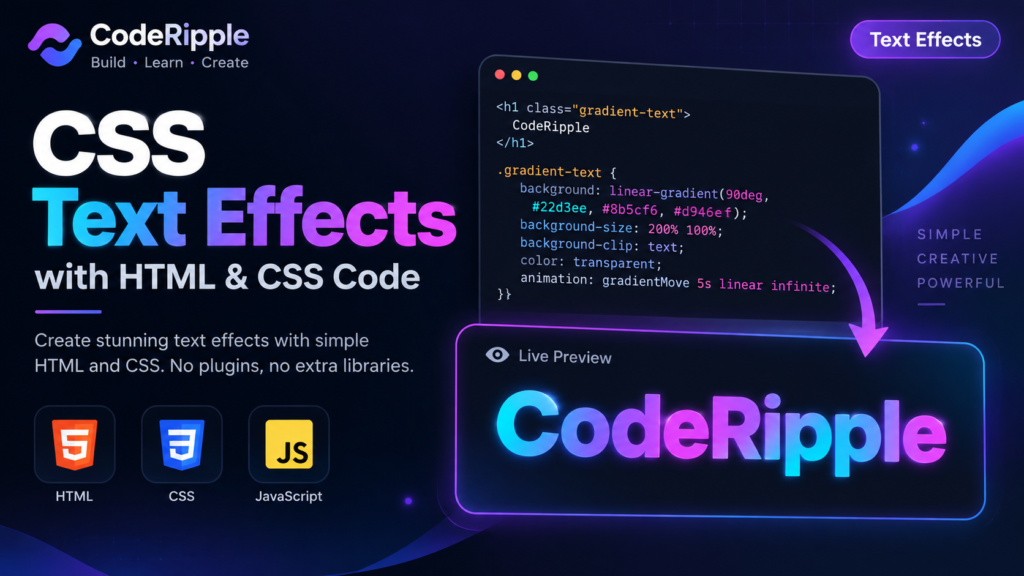
Learn how to create modern CSS text effects with simple HTML and CSS, including gradients, animations, hover effects, shadows, and more.
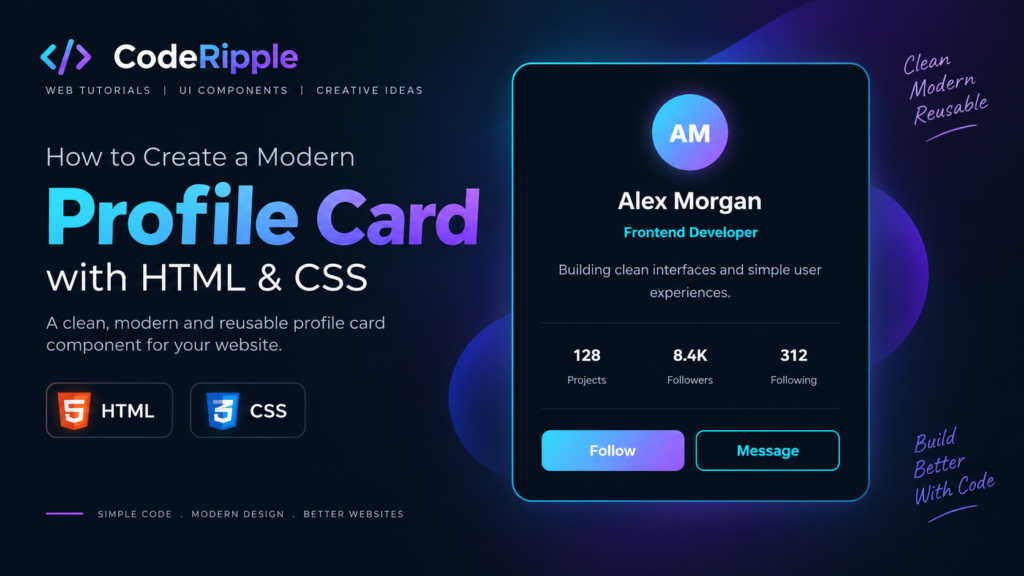
Learn how to create a modern profile card using HTML and CSS with a clean dark design, gradient avatar, profile stats, and action buttons.
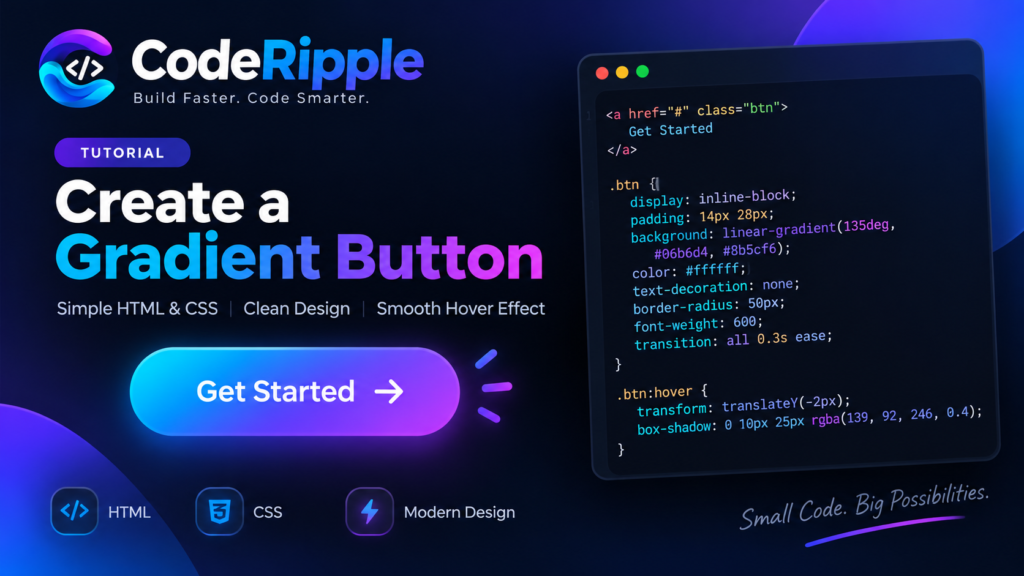
Learn how to build a clean CSS gradient button with a smooth hover effect using simple HTML and CSS.